Signal Loom is a creative instrument, not a service. Node-graph Flow, a layered Image editor, print-ready Paper layout, and a Video timeline — one project, your own API keys, bought once.
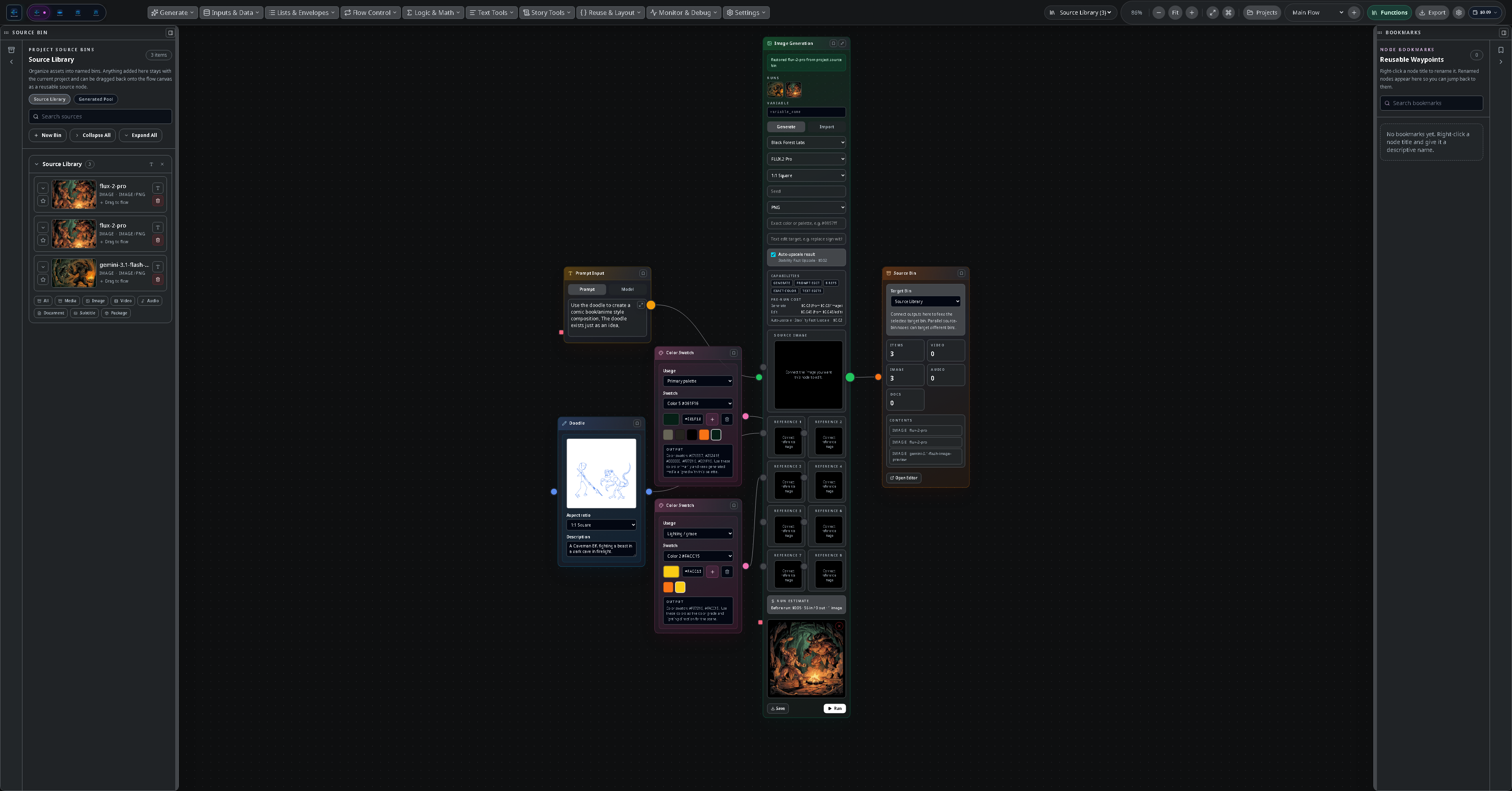
Switch tools without switching files. A clip you generate in Flow appears in Image, Video, and Paper automatically — they all share one .sloom project and one source library.
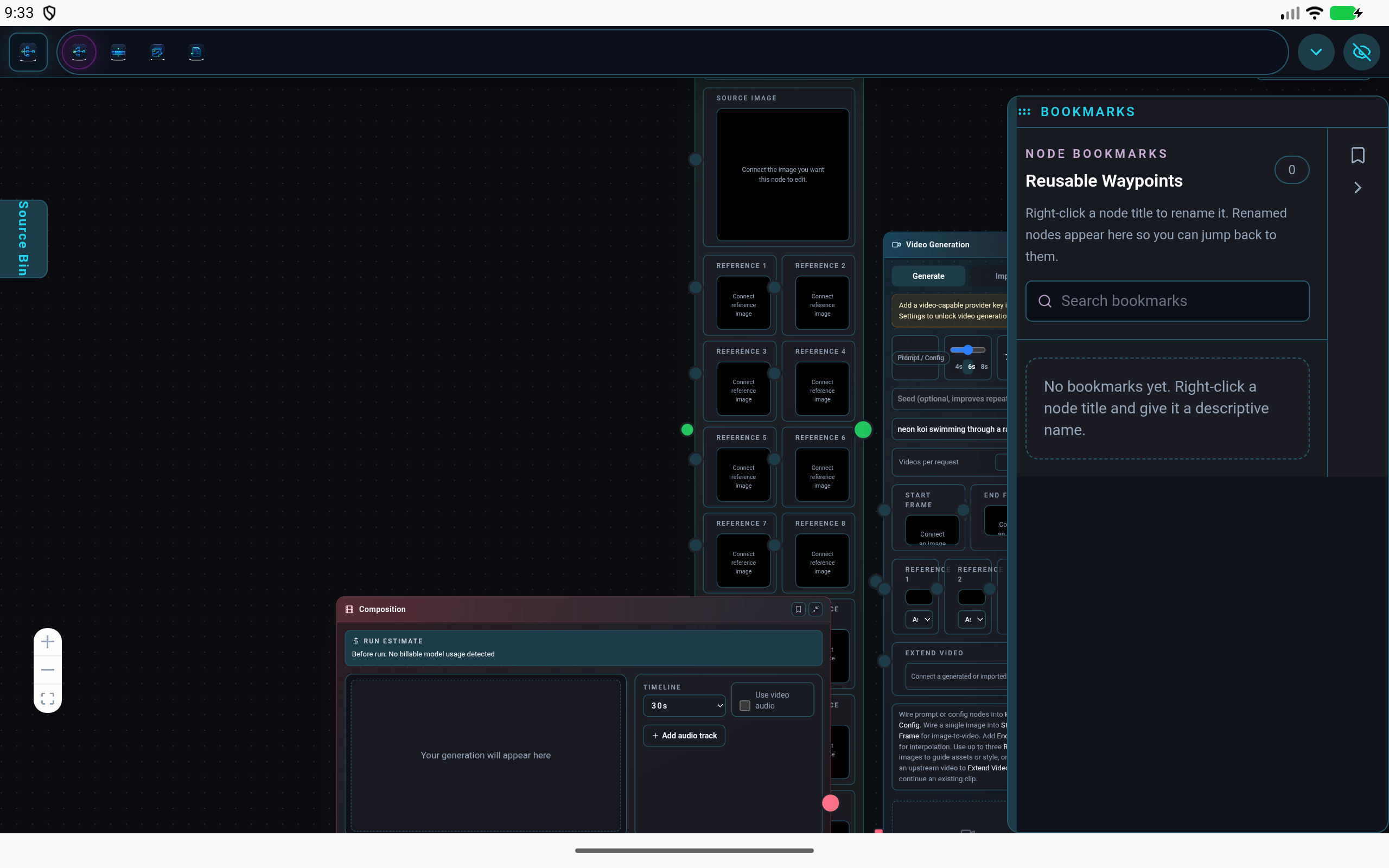
Signal Loom has no account and no servers of its own. You connect the AI providers you already pay for with your own keys — your keys and your work stay on your device, and you talk to the providers directly.
Mask a region, describe the change, and edit with reference-guided models — billed to your own provider account.
Reference images and masks work wherever the model runs — through a direct key or a cloud gateway.
Projects are files you keep. No analytics. Nothing leaves your device except the request you choose to send.
A full layered raster editor with a real pressure-, tilt-, and rotation-sensitive brush engine — then mask a region, describe the change, and let a model render it in place. One canvas does both.
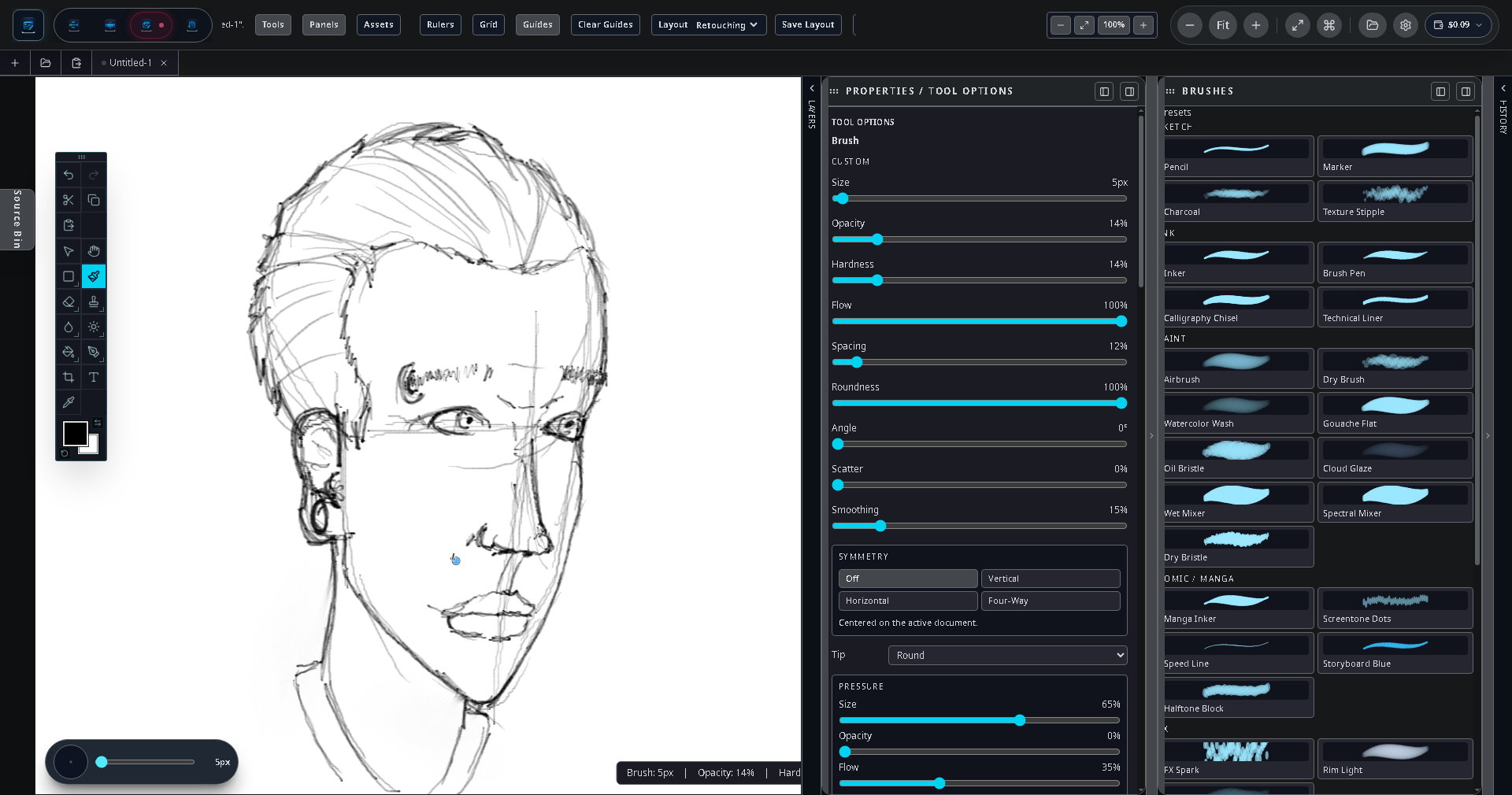
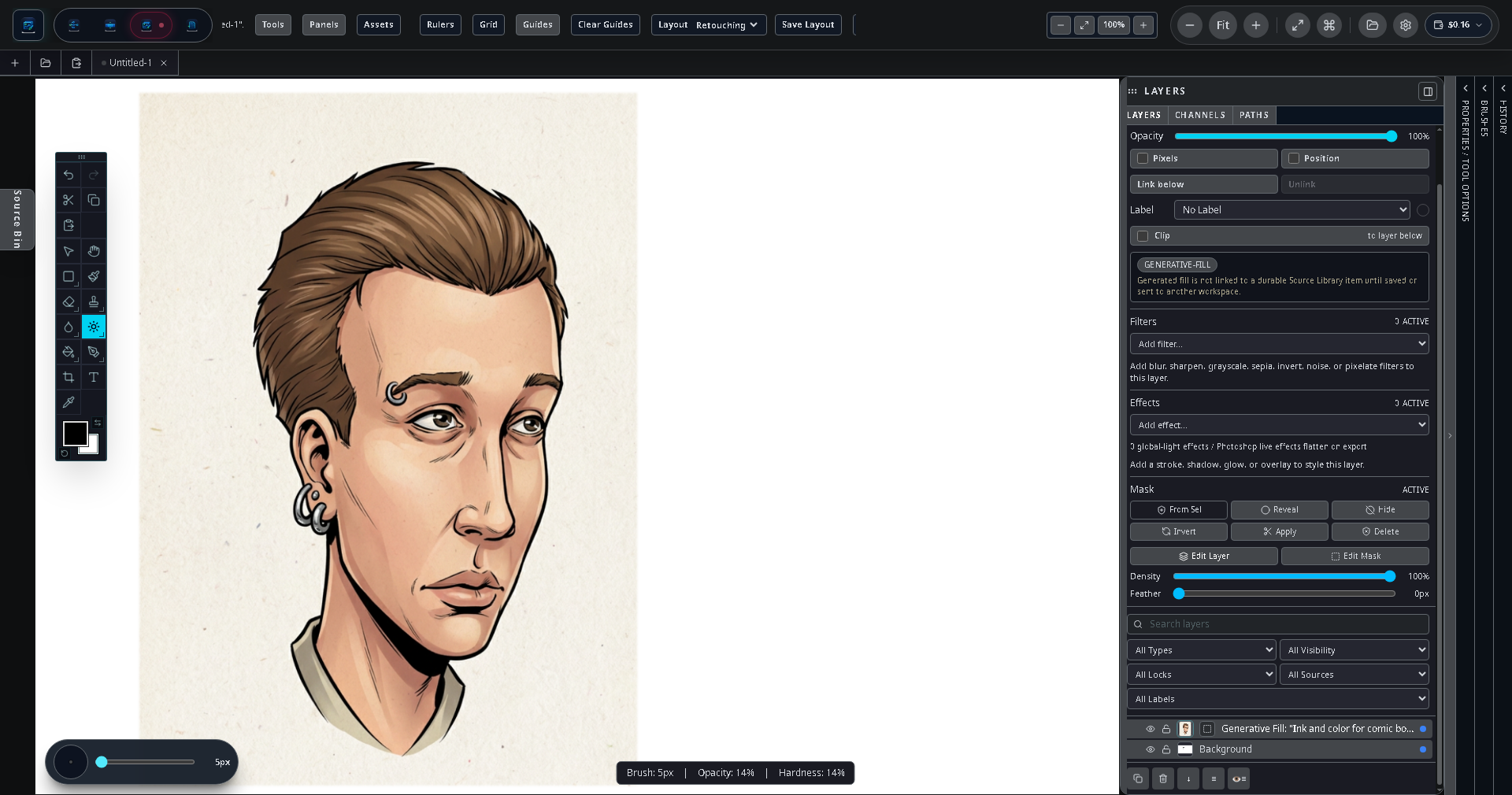
The same project, the same four workspaces — touch- and S Pen-ready on a phone, a full desktop layout in Samsung DeX, and game-controller support for fast, eyes-up control.
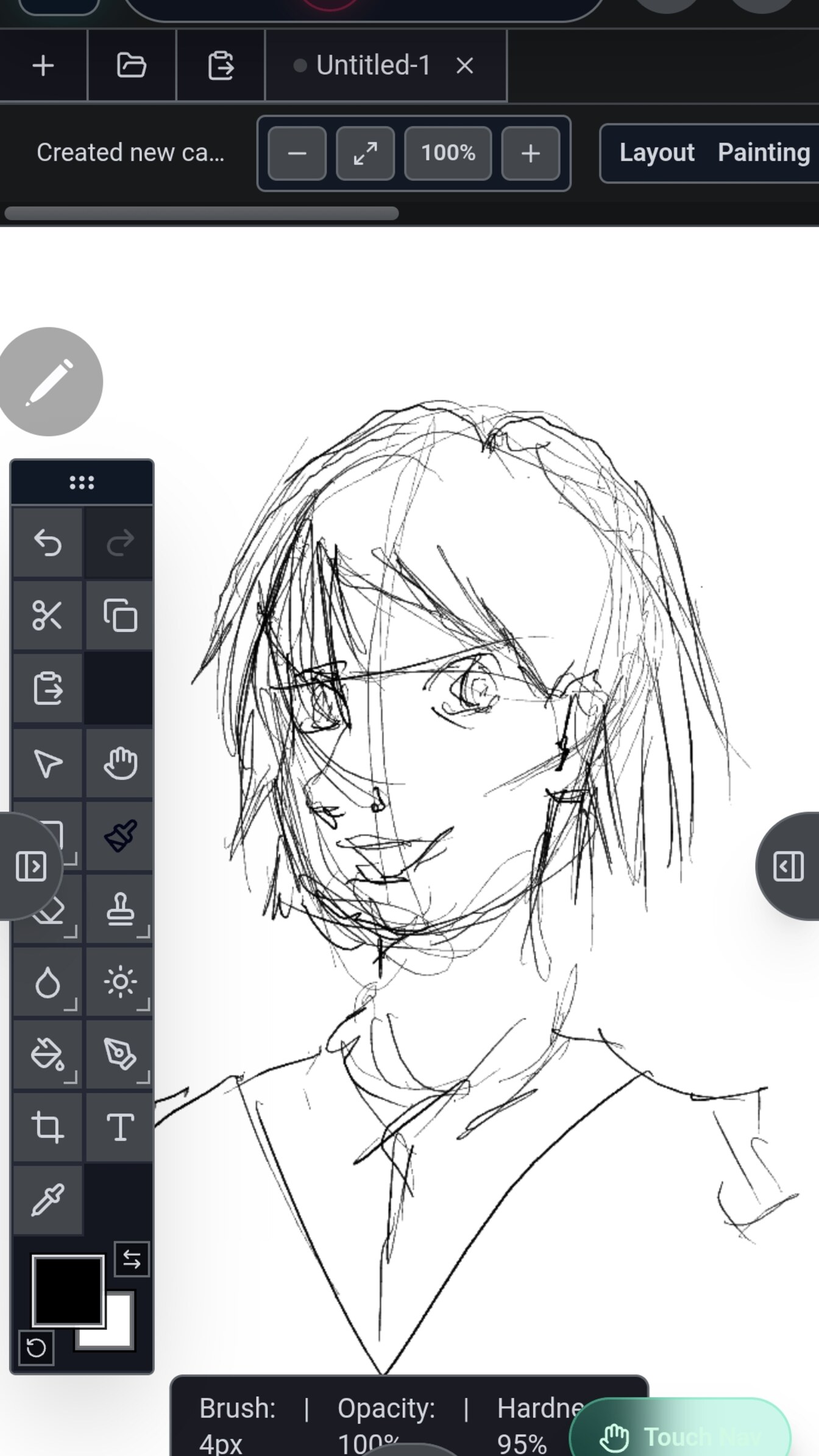
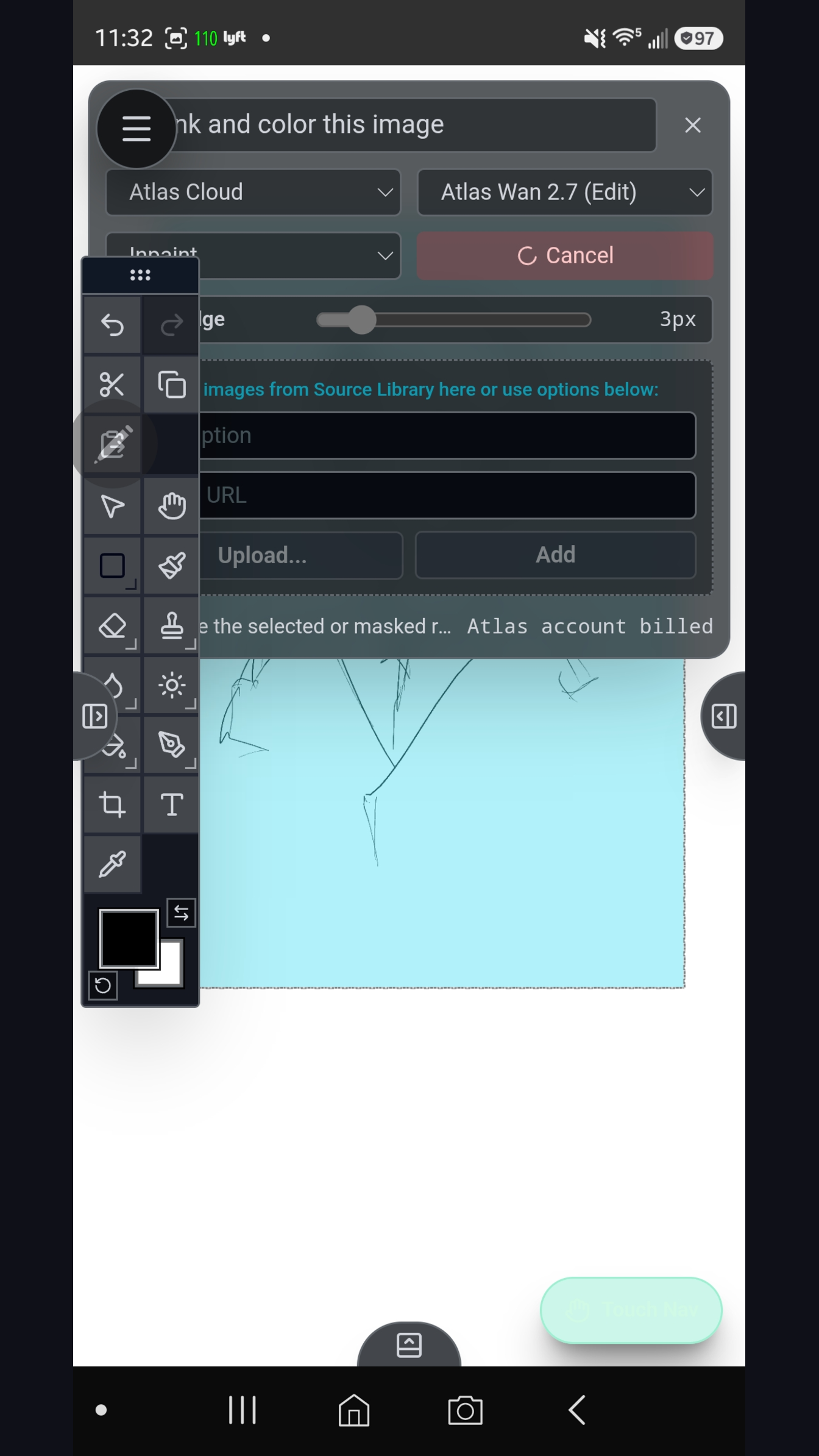
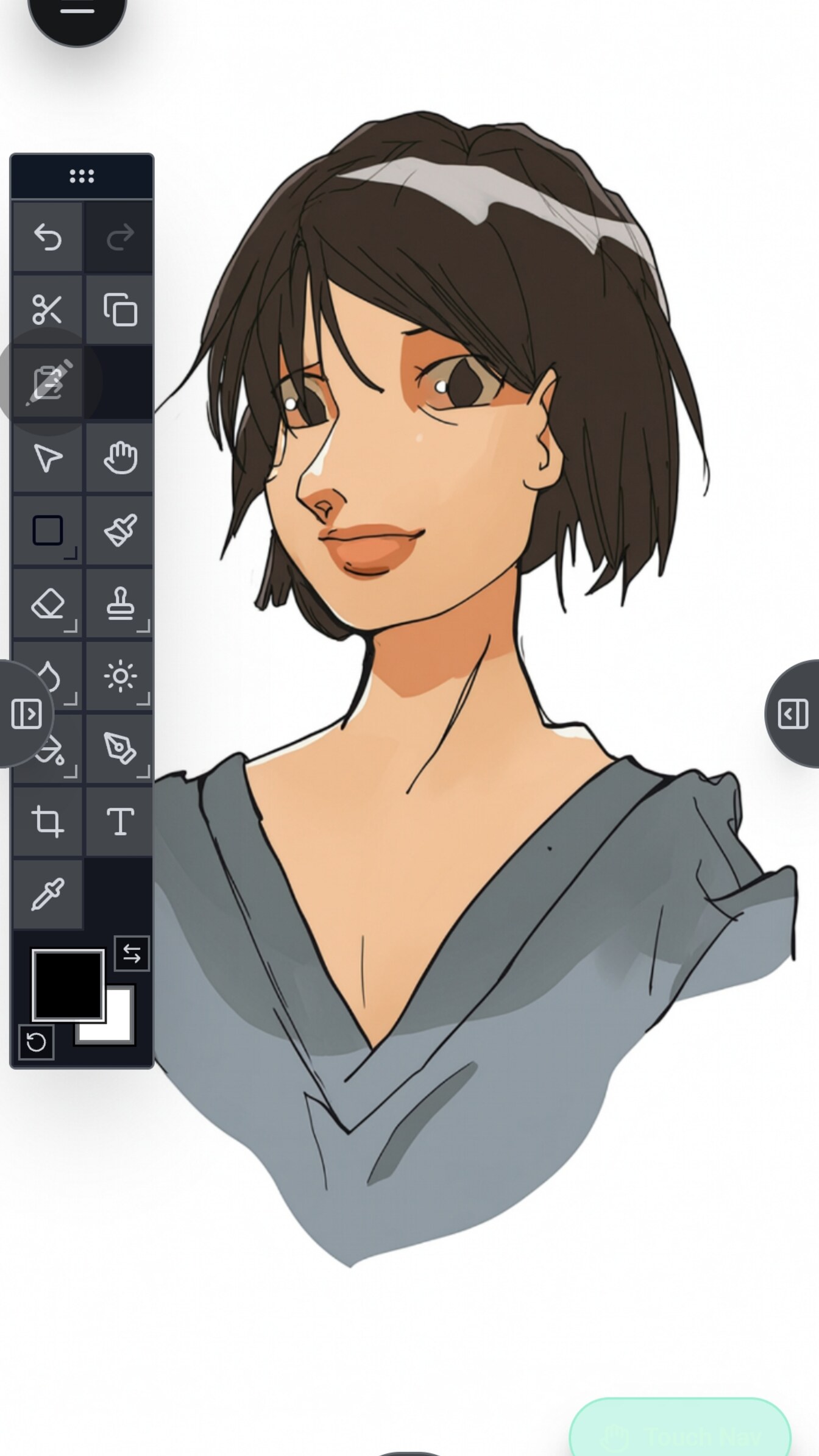
Turn on the LAN host and your phone serves the full desktop interface to any browser on your network — open the studio on a PC, driven by the device in your hand.
Pair an Xbox, PlayStation, or generic pad over Bluetooth and drive the studio with physical buttons and sticks — fully remappable per workspace. Scrub keyframes in Video, drop frames in Paper, switch tools in Image, all eyes-up. Especially handy on Android & DeX. See the bindings →
A perpetual license — no subscription, no in-app purchases, no ads. Signal Loom doesn't include model usage; you bring your own provider keys and pay them directly for what you use.
Signal Loom does not include AI usage or credits. You supply your own provider accounts/keys, and any model usage is billed to you by that provider under their terms.
The same four workspaces, native for Windows and Linux. There's no store taking a cut here — pay what feels fair and it goes straight to a solo dev who's pouring everything into this. (Android stays the $9.99 mobile build above.)
First launch, Windows SmartScreen may warn the publisher is unverified — normal for an indie app without a paid signing certificate; choose More info → Run anyway. On Linux, chmod +x the AppImage. Verify downloads with the SHA-256 checksums. Bring-your-own-key — Signal Loom never sees your keys or your work. Anything misbehaves → support@sloom.studio.
 Signal Loom