 Sloom Studio
Draw it, letter it, lay it out, cut it. One file. Yours.
Sloom Studio is a creative suite for people who make comics, books, illustrations and short video. Four workspaces share one project file and one asset library, so nothing is exported and re-imported between tools. It runs on your machine, keeps your work in files you own, and asks for no account.
Version 0.9.16. Formerly Signal Loom. Built by one person; help wanted.
Four workspaces, one project
Image
Layered raster editing with masks, clipping, blend modes, adjustment layers, text on paths, vertical Japanese type, CMYK soft proofing and layered PSD import and export.
Paper
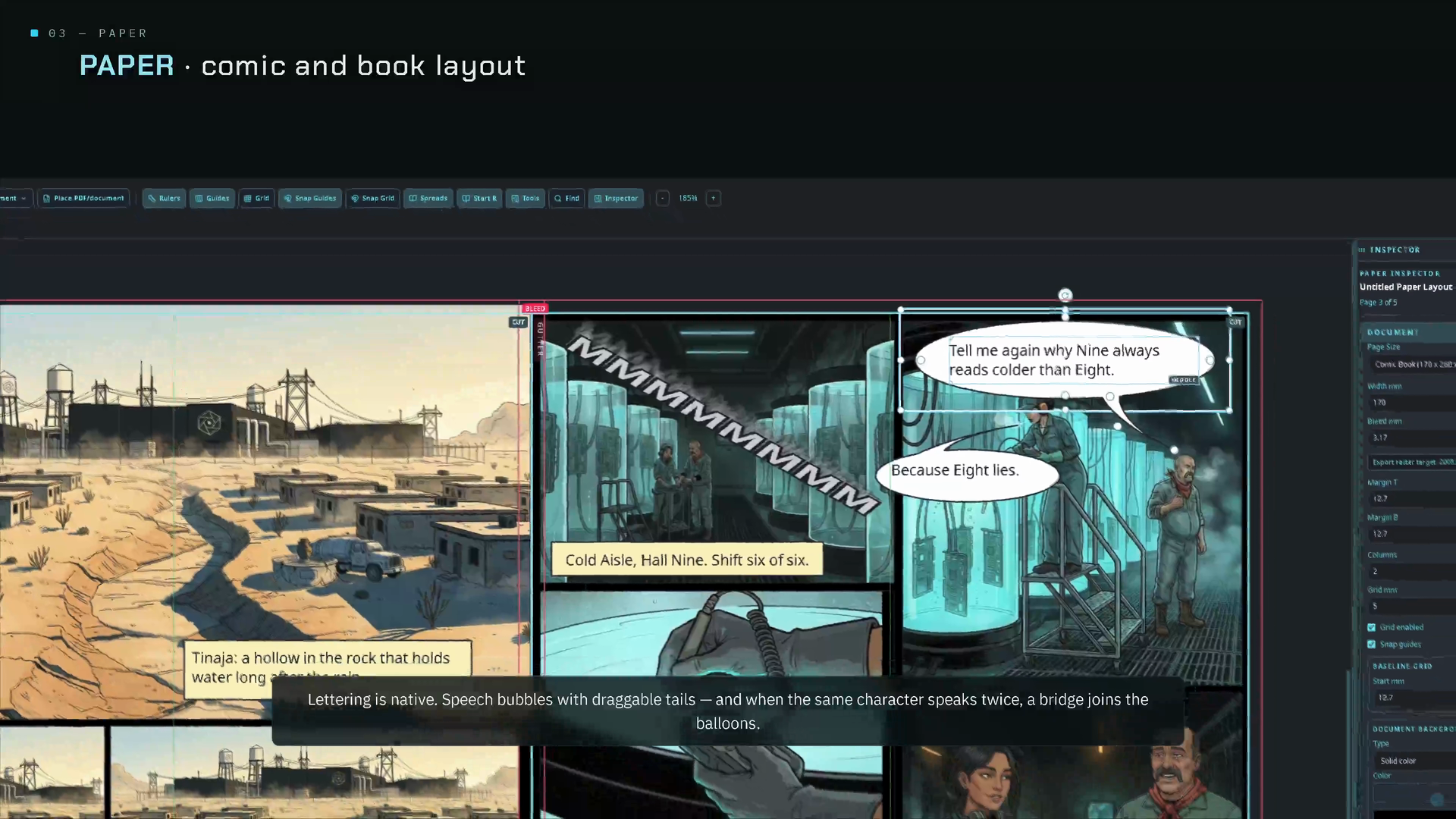
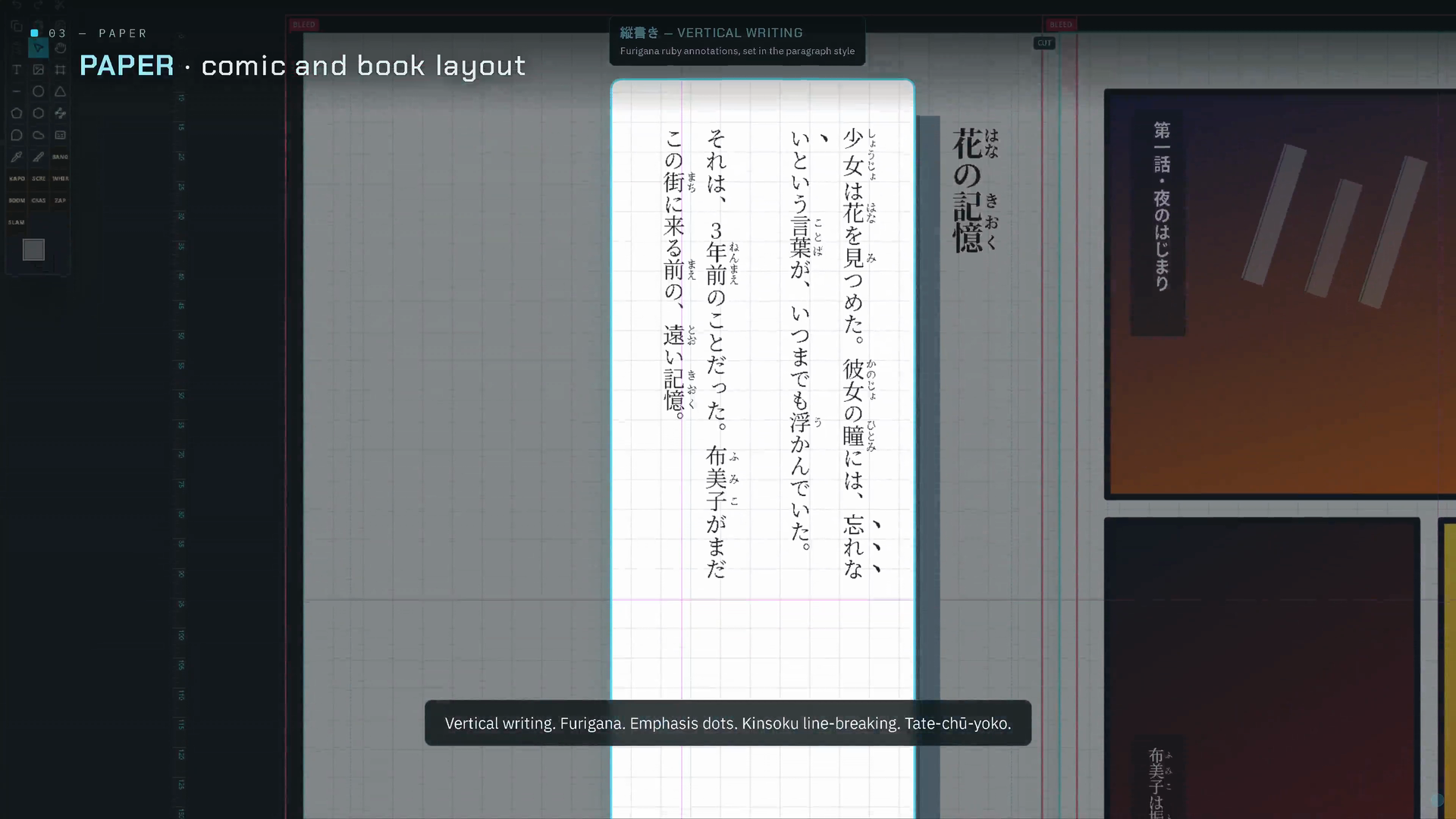
Page, comic and book composition: panels, speech balloons, lettering, tategaki typesetting, print-ready PDF/X-1a and PDF/X-4, KDP-ready PDF, EPUB, CBZ and IDML.
Video
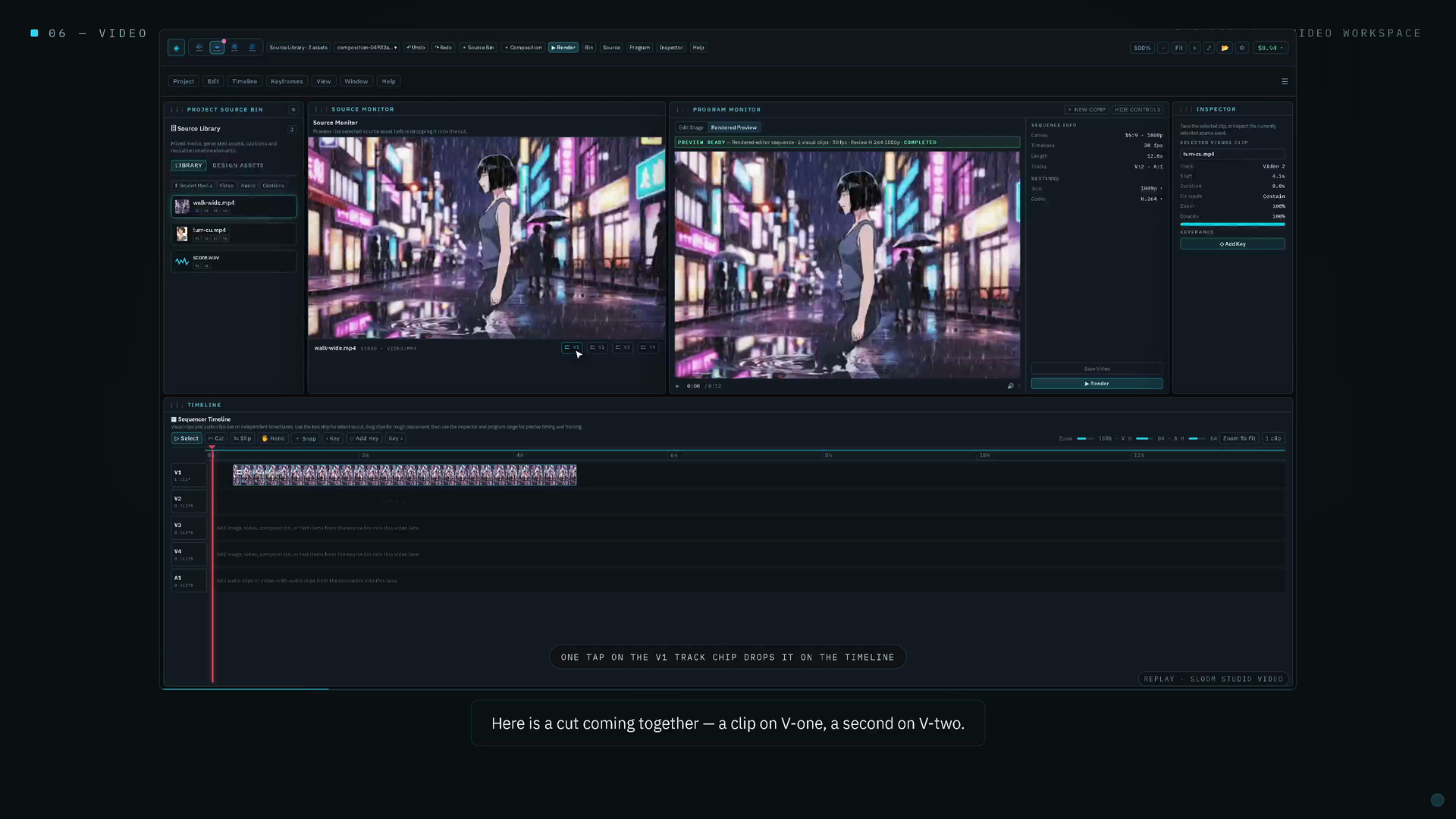
A multitrack timeline with source and program monitors, keyframes, overlays, audio fades and render presets, with a native FFmpeg render service on the desktop.
Flow
An optional node graph for generative pipelines with your own provider keys. Off by default; you can build an entire project without opening it.
What it looks like
What "free software" means here
Free to run
Every download is the complete application. No trial, no watermark, no paid tier, no daily notice. The professional print exports are included.
Free to study and change
The full source is on GitHub under the GNU GPL. Build it yourself, fix what bothers you, send the fix back.
Files you own
Projects are .sloom files on your disk. Images are .slimg, layouts are .slppr. No cloud, no telemetry on your content, no lock-in.
Funded by Hane, and by you
The project is paid for by Hane, our Android painting app, whose physical brush engine, Tiltmark, stays proprietary. A paid Tiltmark plugin for the desktop is coming. Buy Hane or donate to keep this moving.
Who it is for
Comic and manga makers who want lettering, panels and print-ready export in the same file as their pages. Self-publishers who need a KDP-ready interior and cover without a subscription. Illustrators who want a layered editor that round-trips PSD. Anyone on Linux tired of running creative software through compatibility layers: the desktop build is native, packaged as AppImage and deb, with a Gentoo overlay and Arch PKGBUILDs in the repository, and a KDE Plasma global-menu applet that keeps GPU acceleration on native Wayland.